Private by default
Your generated result does not appear in the public Gallery unless you explicitly publish it.
AI miniature maker
Upload a clear photo and create a private AI miniature figure in toy, chibi, action figure, or 3D character style.
Start with a clear photo, pick a miniature or figure style, and generate a private result you can download or publish when ready.
Click to upload
or drag and drop
PNG, JPG, WEBP up to 10MB
💡 Upgrade to Pro for 4K resolution and watermark removal
Ready for Transformation
Upload a clear photo of a person to see the magic
✓ Best with face photos
✓ Well-lit, clear background
✓ PNG, JPG, or WebP
Uploads and generated results are tied to your account workflow. Public Gallery visibility happens only after you choose to publish a result.
View creditsYour generated result does not appear in the public Gallery unless you explicitly publish it.
Sign in to use starter credits, manage your balance, and keep generated results in your dashboard history.
Public examples appear here only after users choose to publish their generated results.
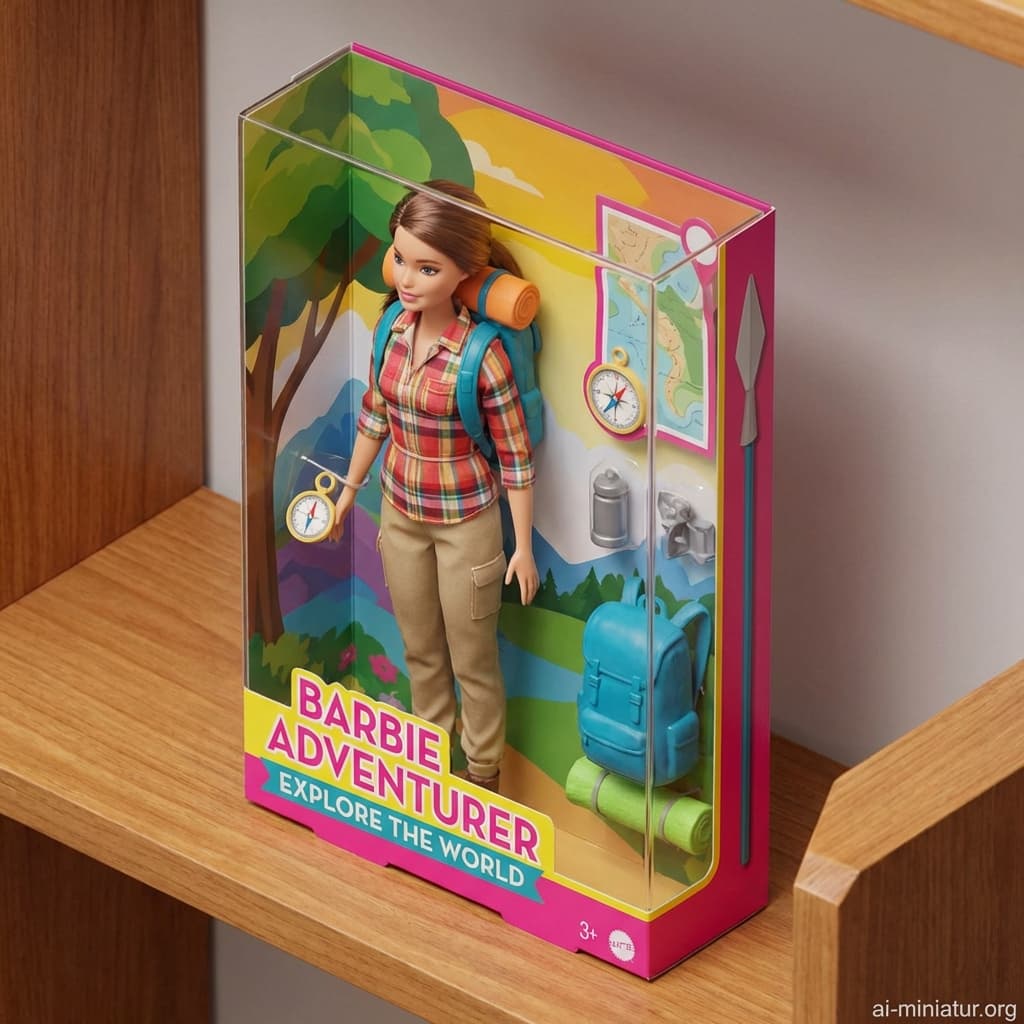
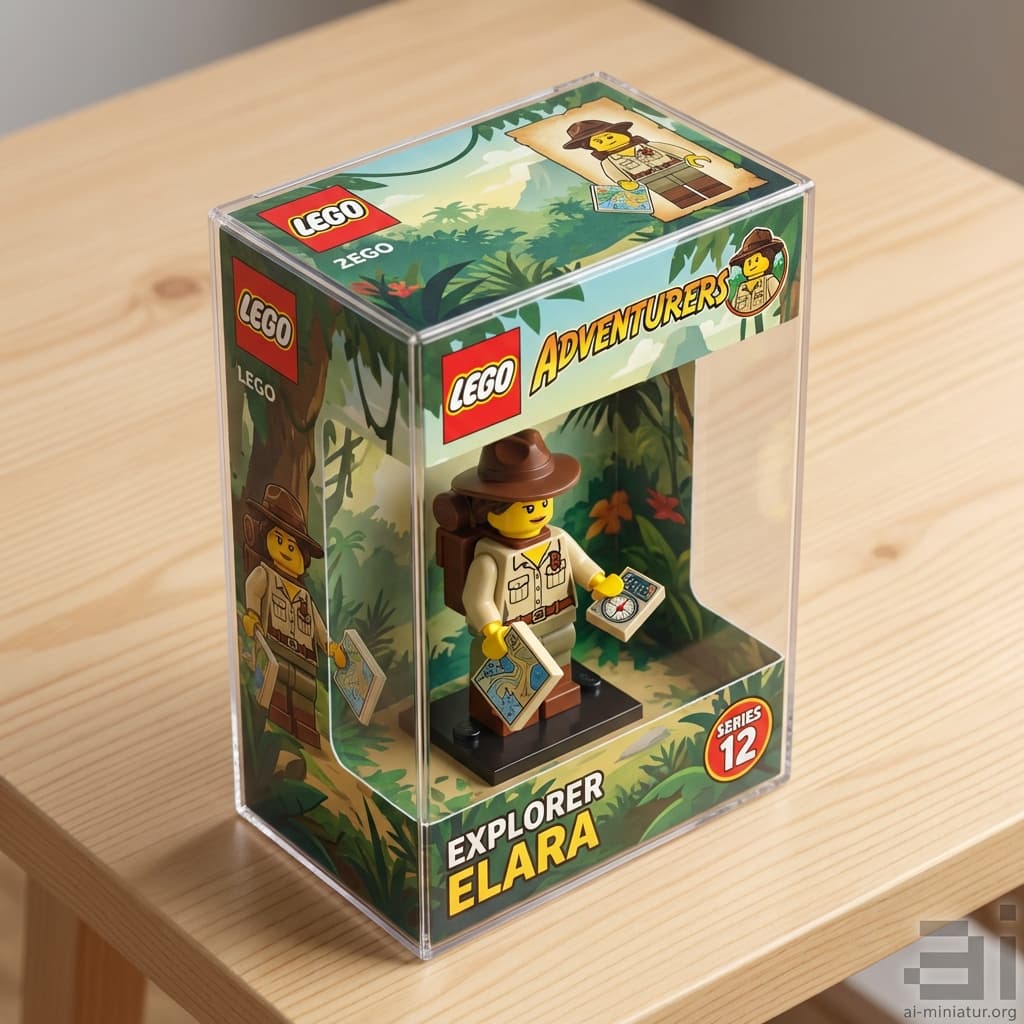
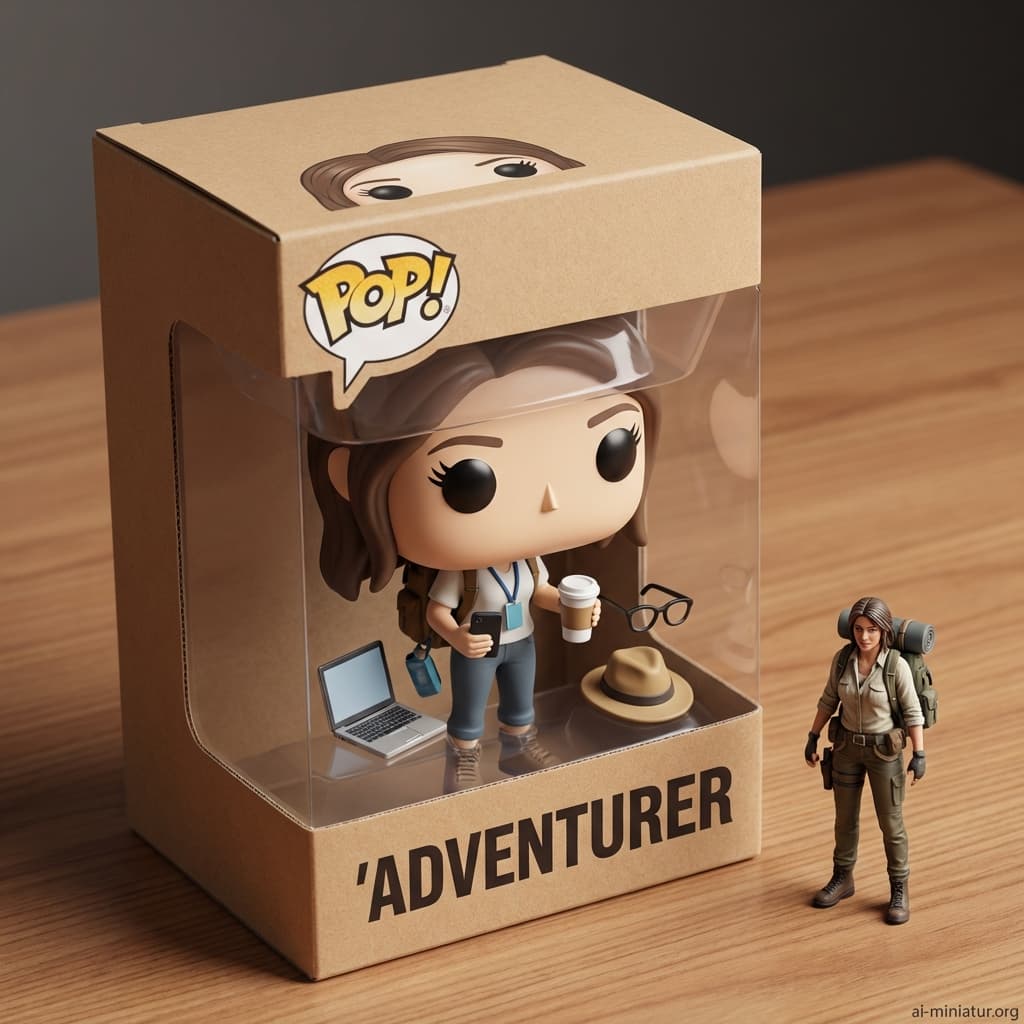
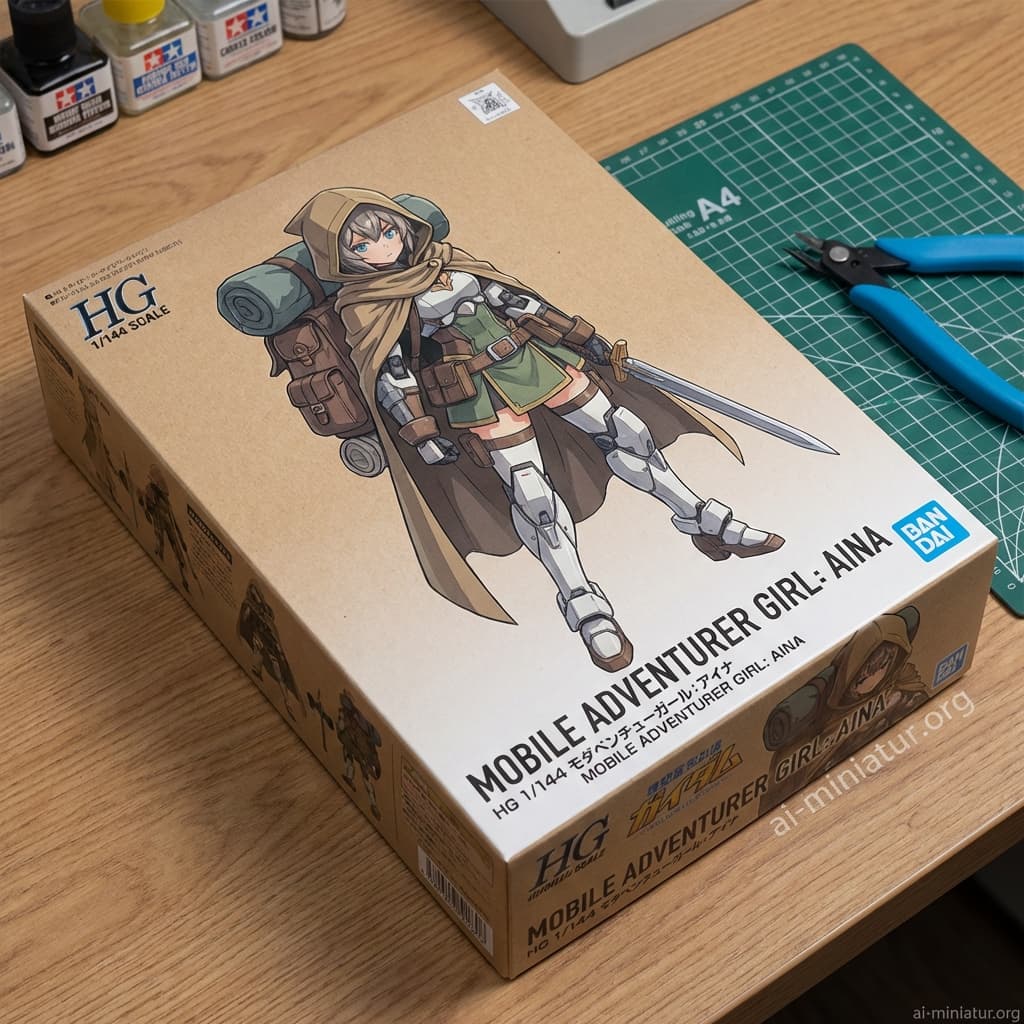
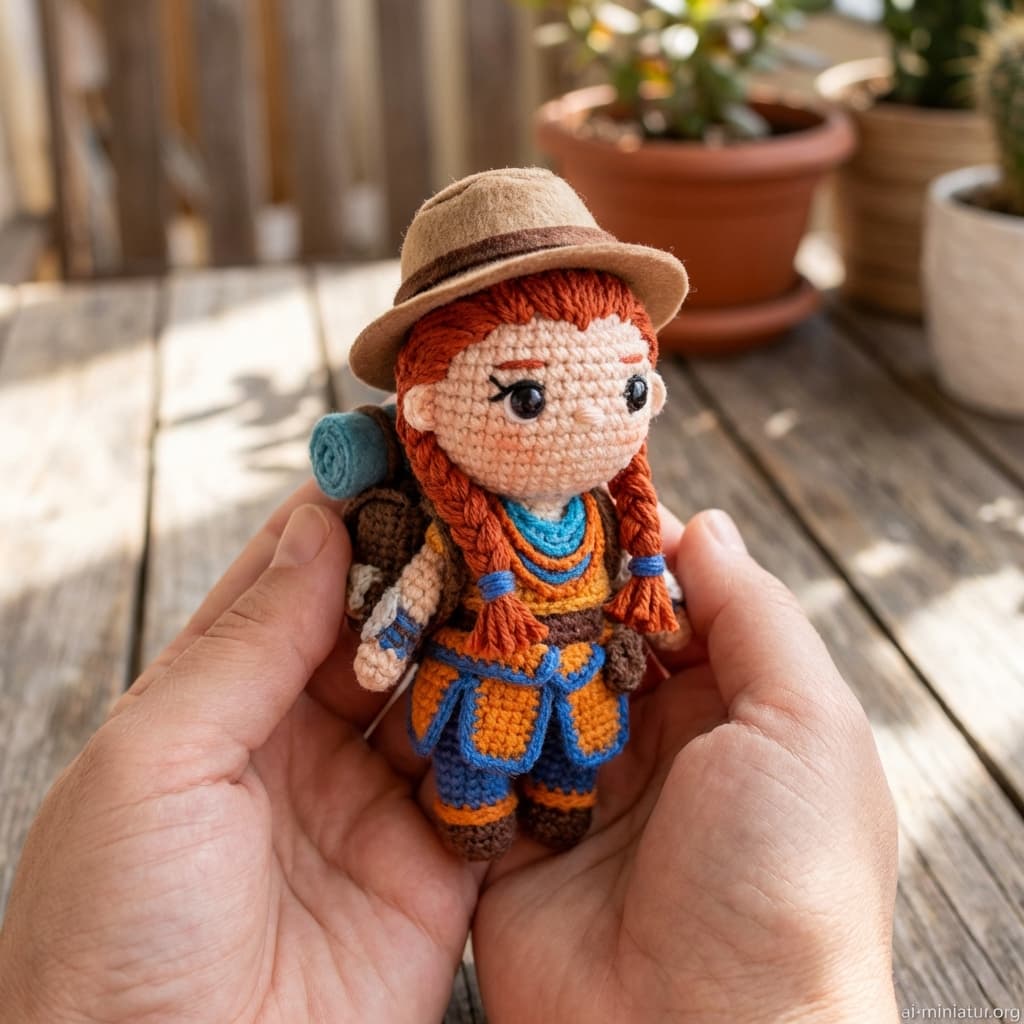
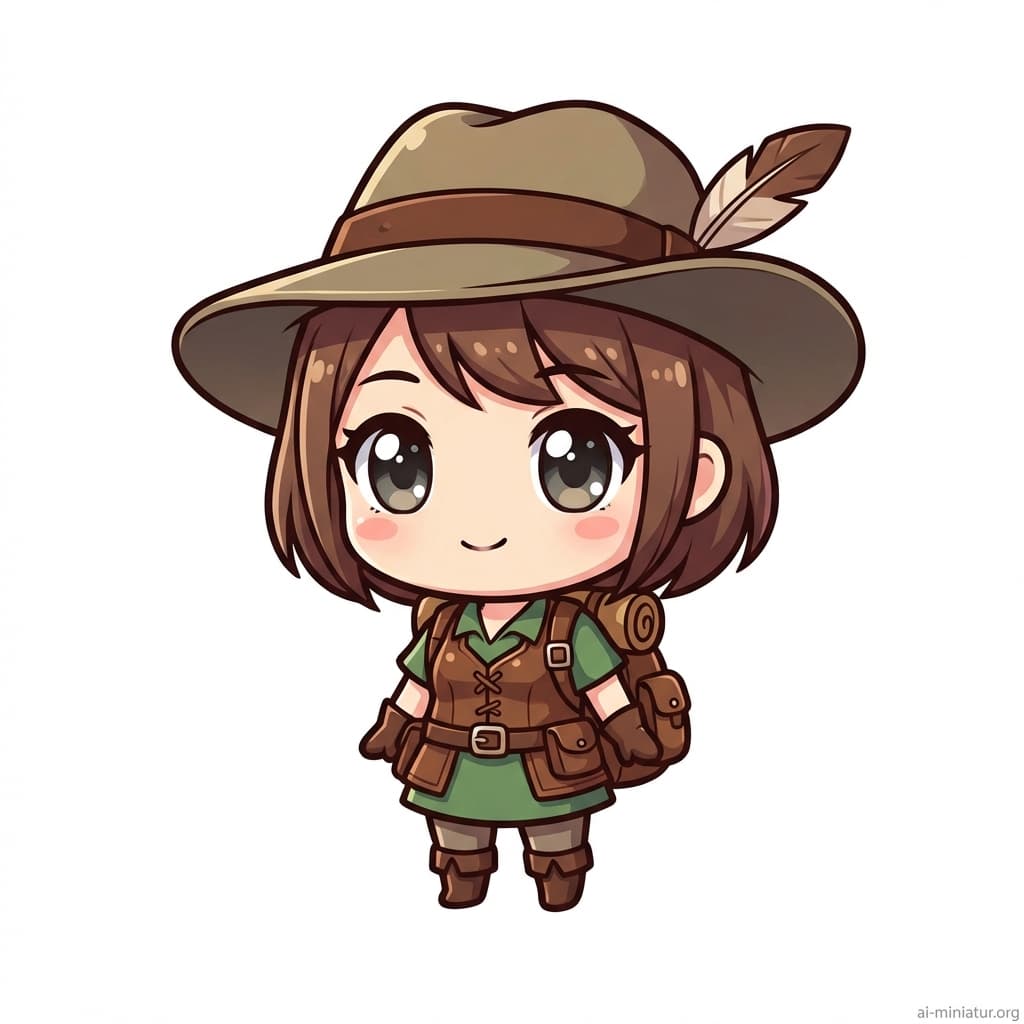
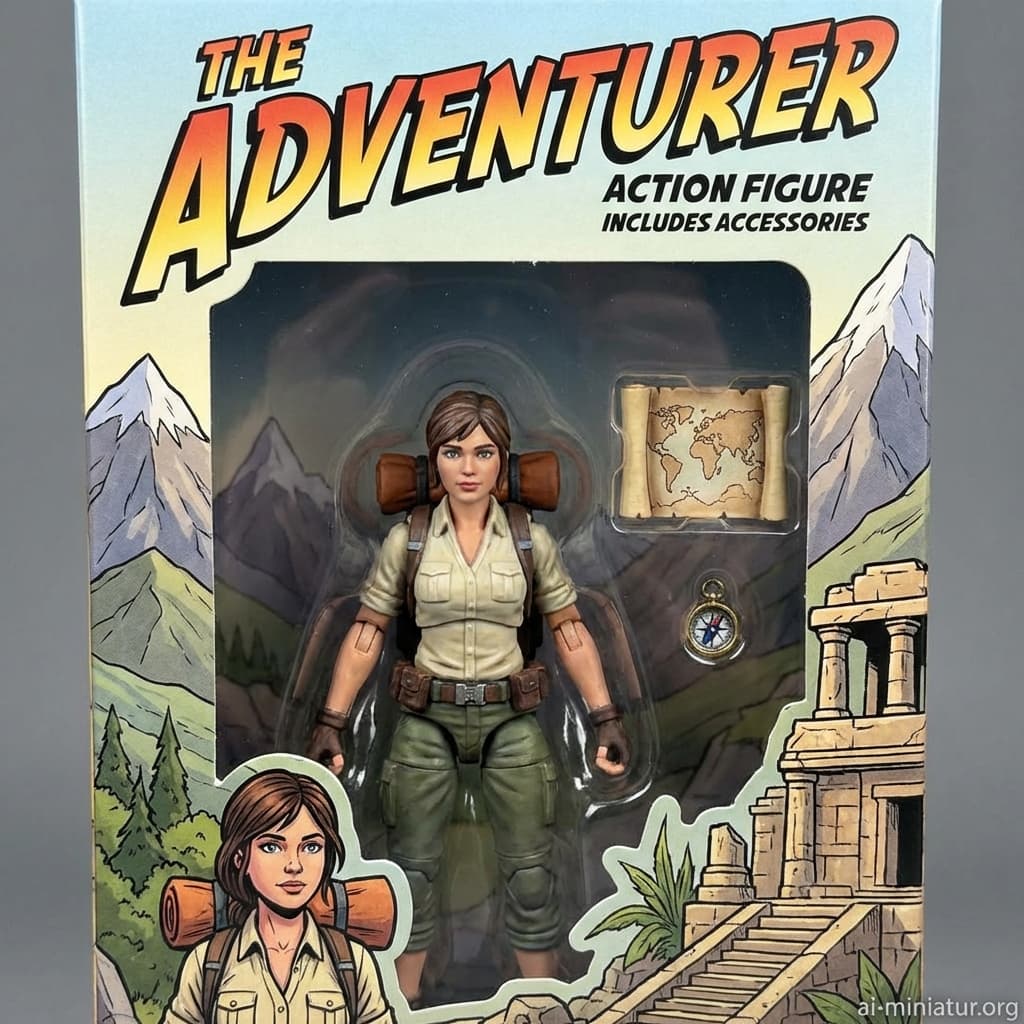
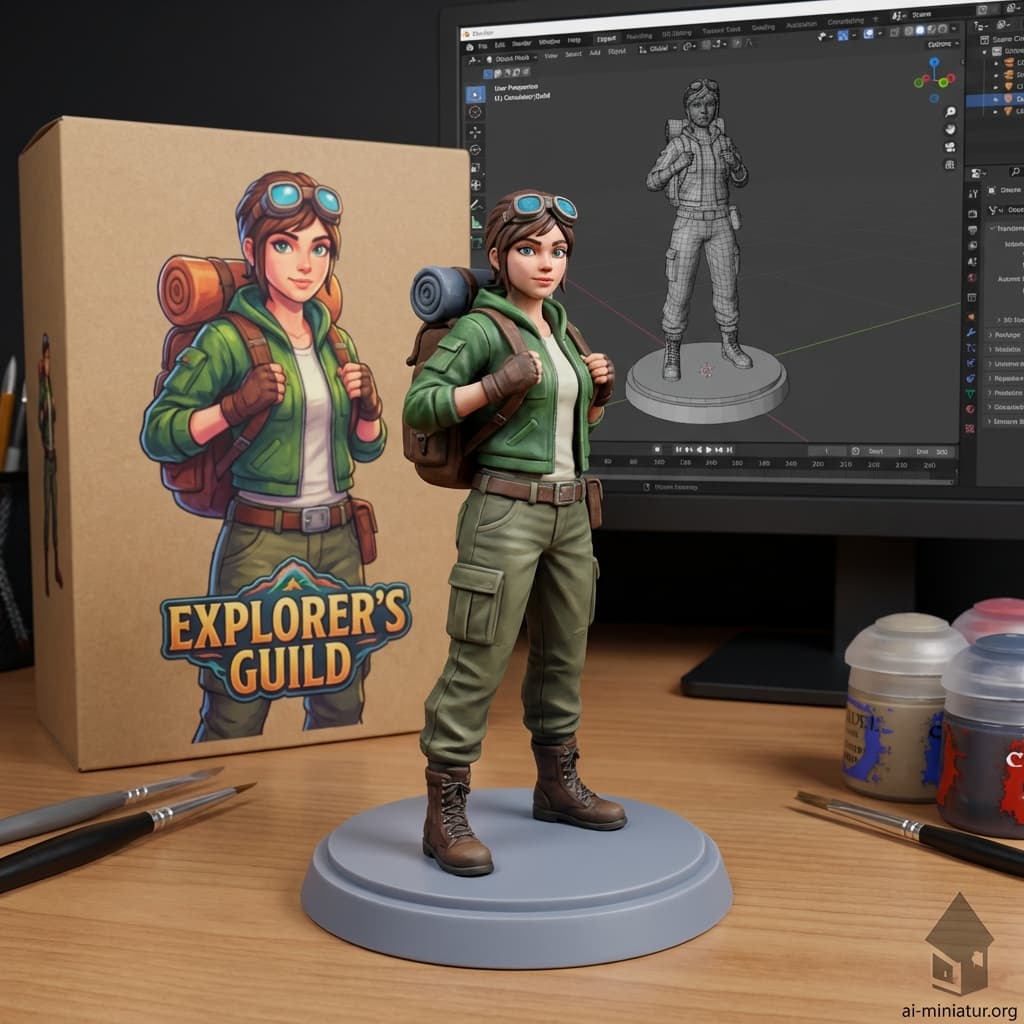
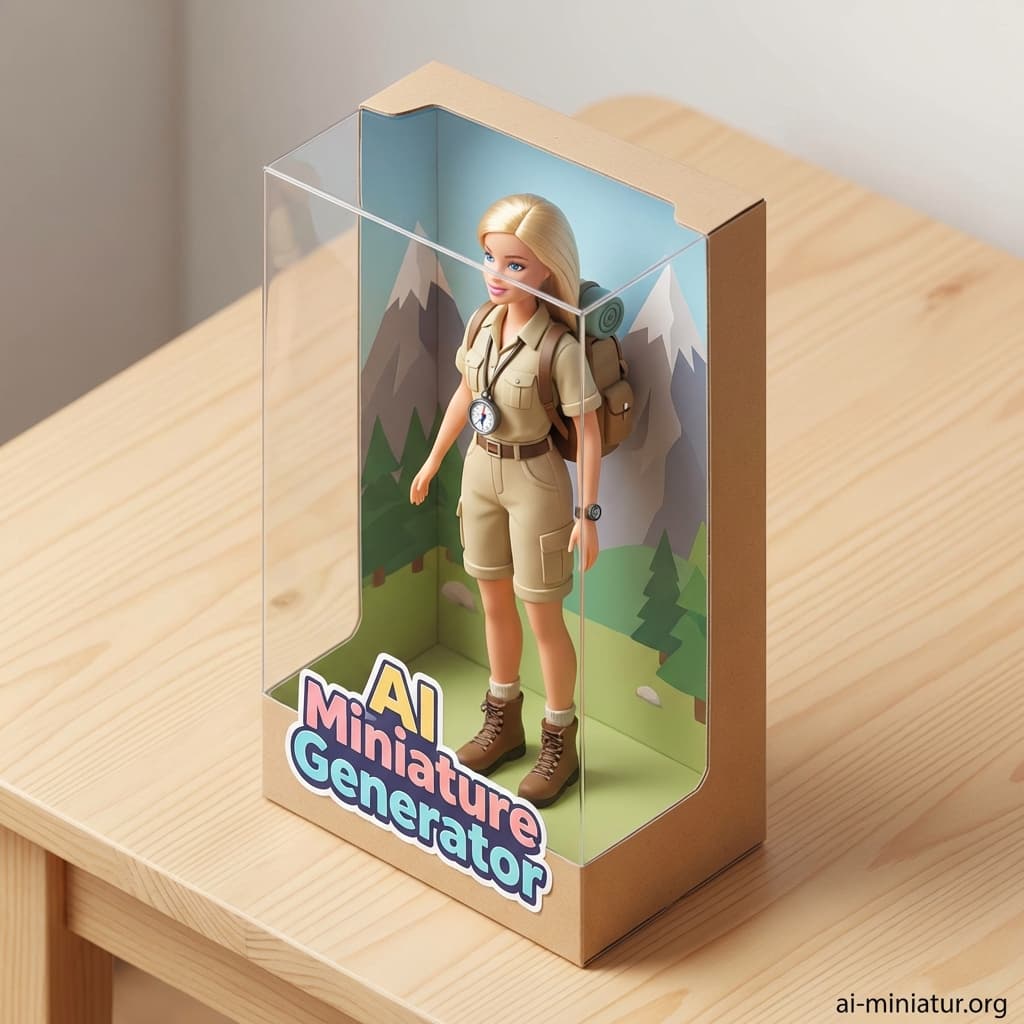
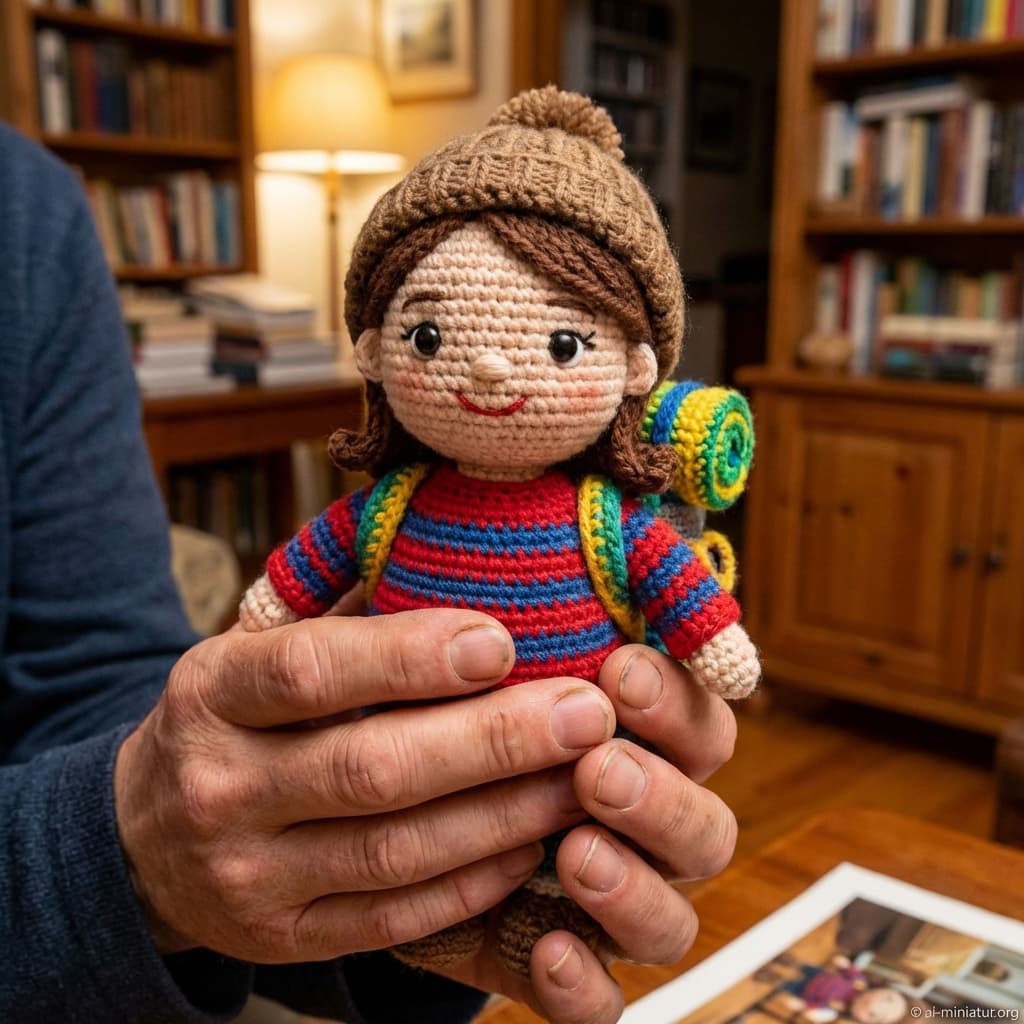
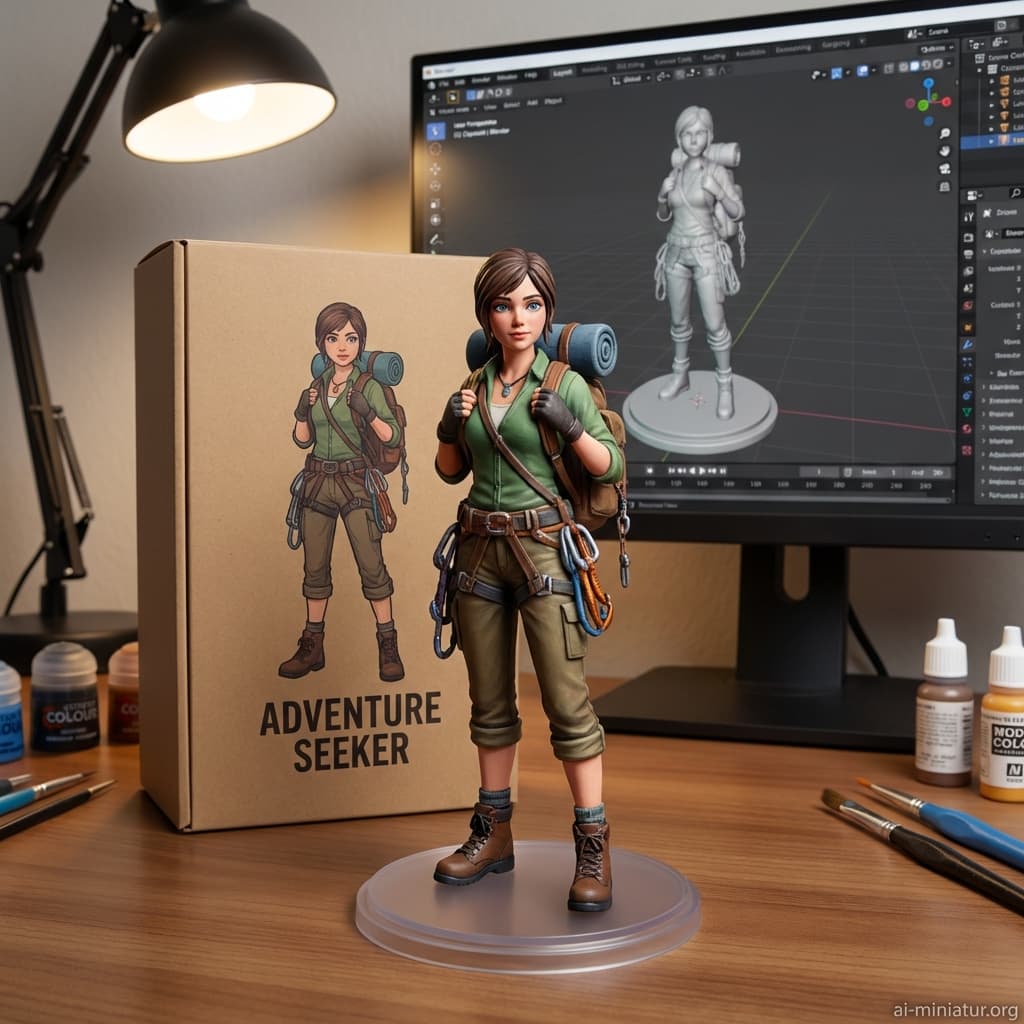
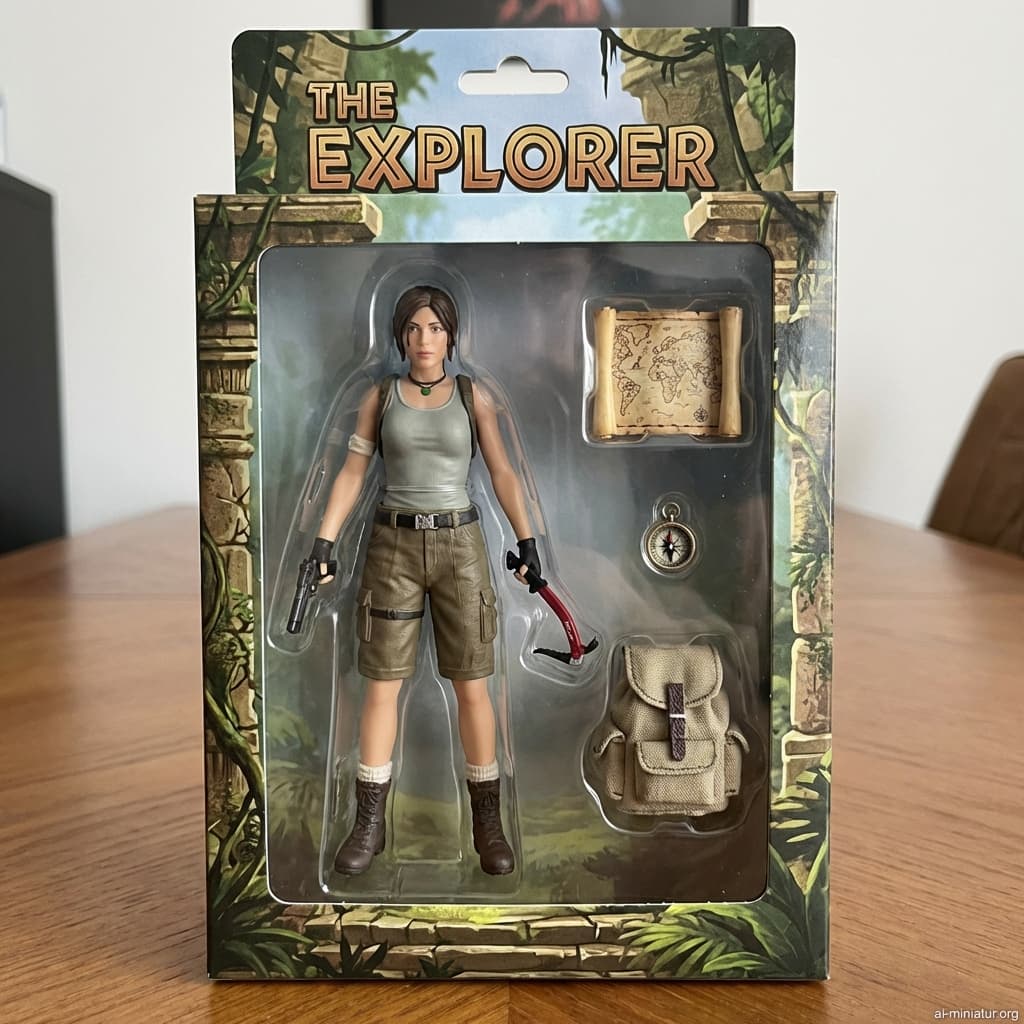
These pages focus on concrete outputs: a figure, a miniature, or a chibi result users can generate immediately.
Turn a profile photo into a miniature figure image for social profiles, creator pages, and community posts.
Create a toy-inspired concept image before making a card, poster, or personalized keepsake.
Compare 3D character, action figure, and chibi directions from one source photo before choosing a final look.
Input guide
Start with a clean photo so the miniature output has enough facial, outfit, and pose detail to work from.
Single-person portraits or clean half-body photos usually produce clearer miniature figure results than crowded group shots.
Visible facial details, hair shape, clothing, and accessories give the generator stronger identity cues.
Use photos you have the right to upload, and avoid brand logos, celebrity likenesses, and protected character designs.
The fastest way to beat generic competitor pages is to help users get a better first output, then give them control over whether that output becomes public.
Use a portrait or half-body image with one main subject, visible face details, and simple lighting.
Pick a toy, chibi, action figure, or 3D character direction without writing a prompt.
Generated images stay private first. Download your result, regenerate it, or publish it to Gallery only when you choose.
Boundaries
This page creates AI-generated images from photos. It is not a manufacturing, licensing, or 3D-printing service.
Keep exploring nearby miniature, figure, pricing, and policy pages without leaving the AI miniature workflow.
A photo to miniature generator turns your uploaded photo into an AI-created miniature or figure-style image, such as a 3D character, chibi figure, or toy-inspired portrait.
No. Upload a photo, choose a style, and the generator applies the style direction for you.
Clear portraits with one main subject, visible face details, readable clothing, and simple lighting usually work best.
Generated results are private by default. A result appears in the public Gallery only after you explicitly publish it.
Yes. Use this page to start from a photo, or open the AI Action Figure Generator when you specifically want a boxed collectible-style result.
You are responsible for the rights to the uploaded photo and output. Do not use protected logos, characters, celebrities, or trademarks without permission.
No. This tool creates image results. It does not export STL, GLB, or other 3D-printable model files.
Sign in to use starter credits, generate images, and manage your results. More credits or subscription options are available from the pricing page.